Scope of work:
While working for Homebase, I undertook a multitude of projects spanning both mobile and desktop formats over the course of a two and a half month period.
Some of my favorite projects involved creating the WatchOS and Apple Watch platforms for Homebase , created a multi-platform design system and asset library as well as a collection of widgets for both iOS and Android.
Homebase for Android and Apple Watch
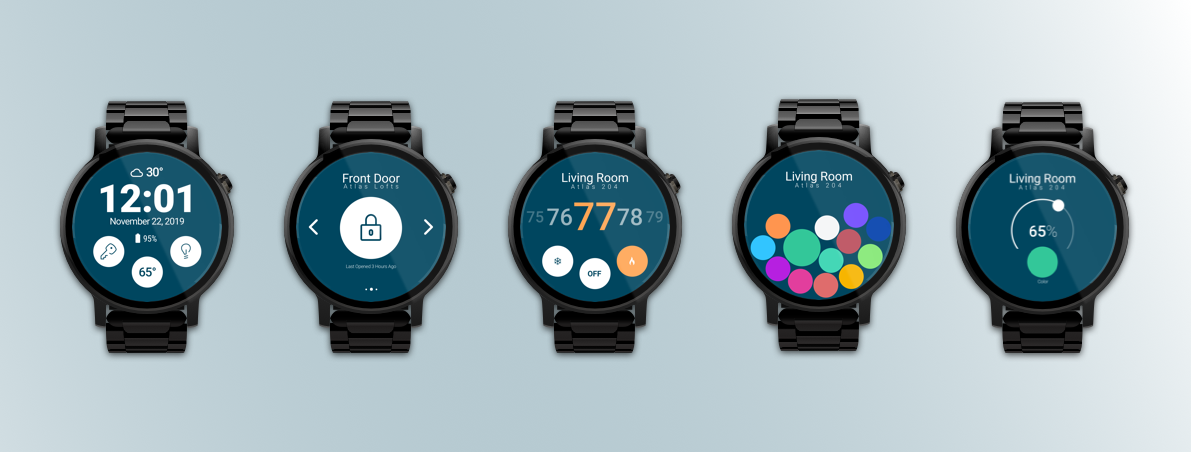
Goals of this project: Provide the user with the actions that they use most in the most convenient way.
My Role: Lead the design and mapped the flow and experience, collaborated with Head of Product and developers to narrow the technical restrictions of this new functionality.
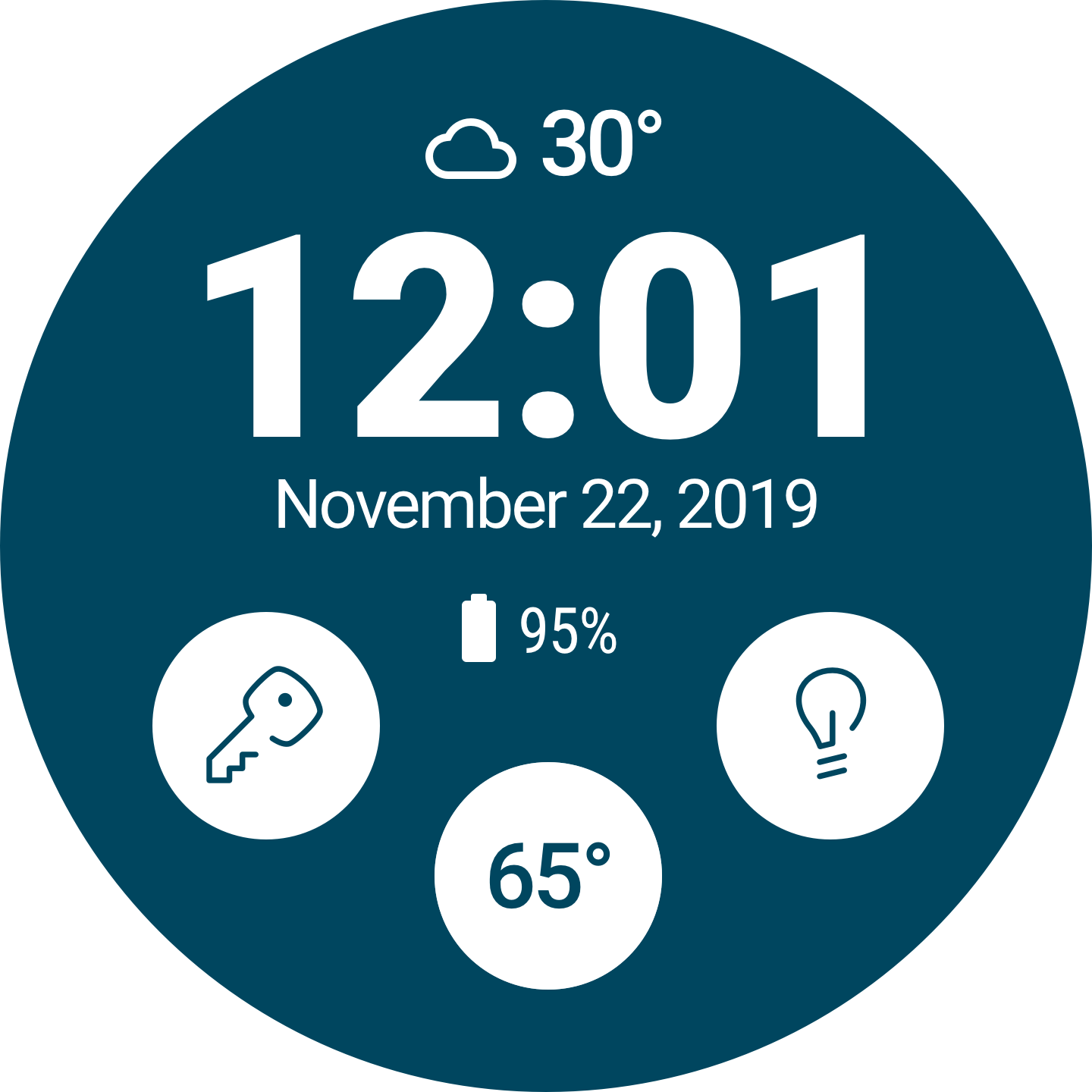
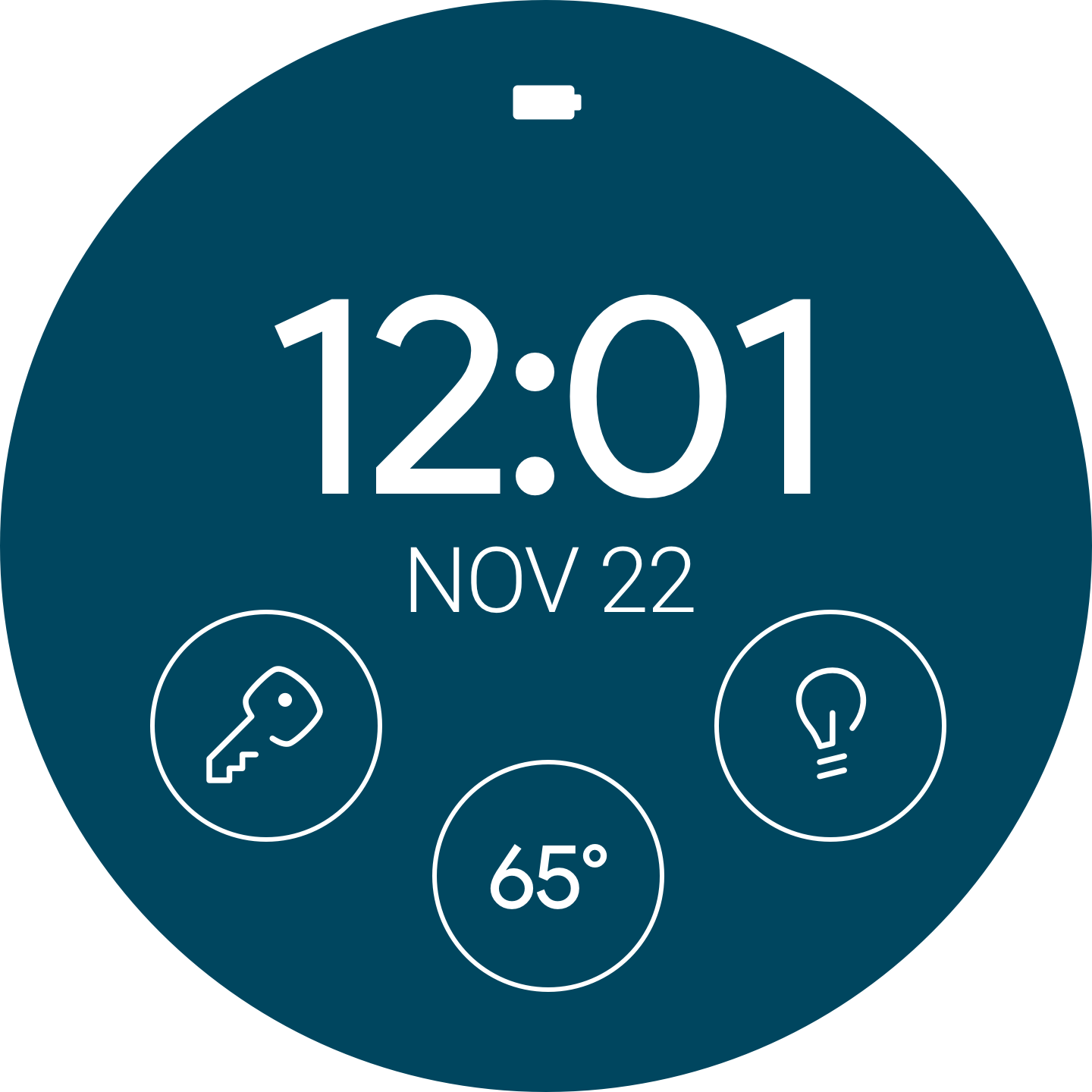
Stage 1: The initial stage of this design revolved entirely around watch faces. They are completely customizable in WearOS and would provide the least resistance between the user and the action they were trying to accomplish.
Stage 2: Adapt the existing Homebase app to the WearOS form factor.
Stage 3: Give the user as much of the mobile app functionality as possible such as the color change and dimming functionality of the lights below.
User Scenarios that informed this project:
"The user is coming home and has there hands full with groceries and having to pull out their keys or even a phone to unlock their door might cause them to fumble with and even drop their belongings. Wouldn't it just be easier for them to quickly wake their watch and tap a button to unlock their door and then also turn on the lights in the same breath
Full Functionality:
From the watch face, the user could unlock a preselected door, turn on the lights in their living space an view the current temperature. Once in the WearOS app, the user could do everything from turning on specific lights, unlocking or locking certain doors, changing the color of a given light selection and change their living space's temperature.
Additionally, a Light mode and Dark mode of the WearOS app was created.
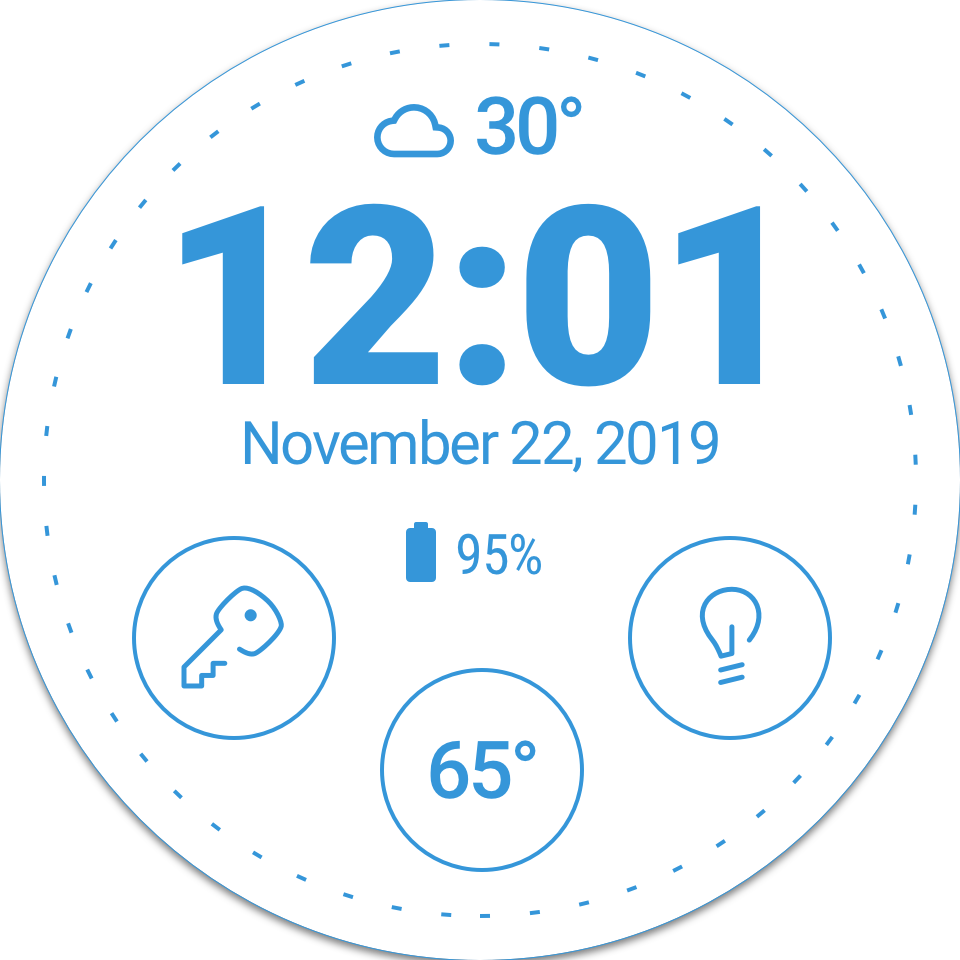
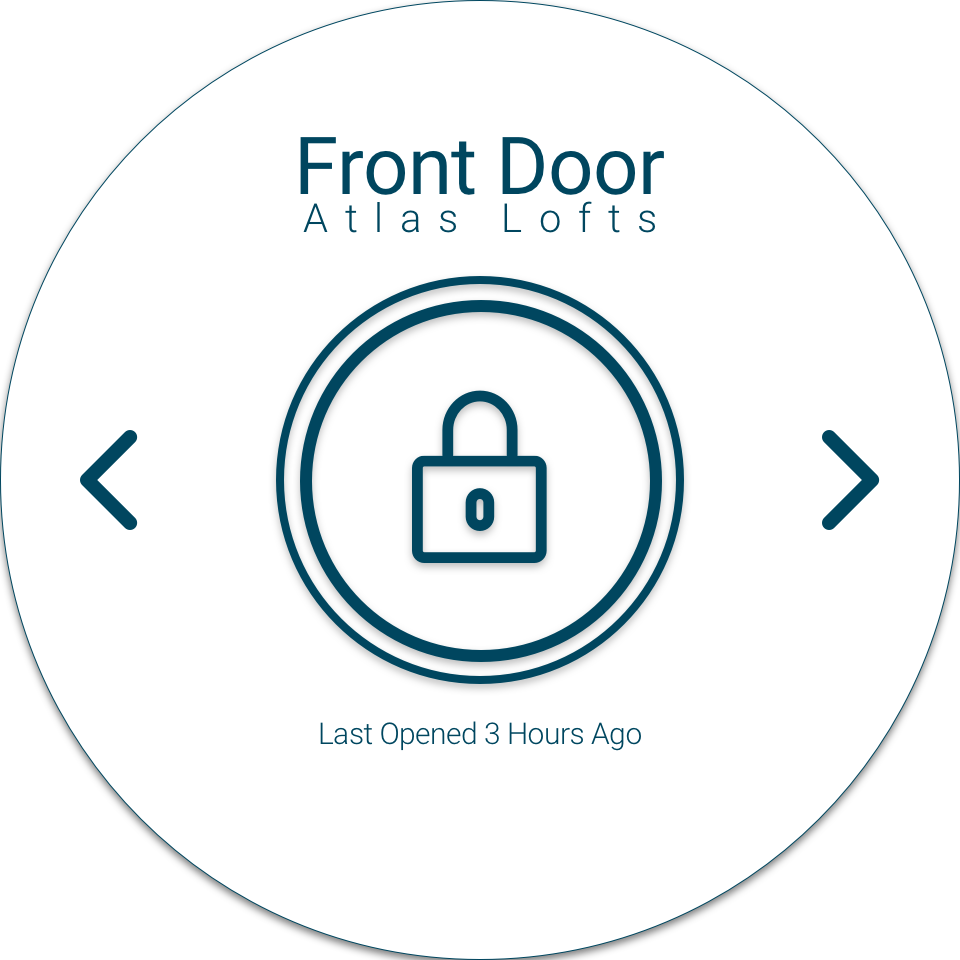
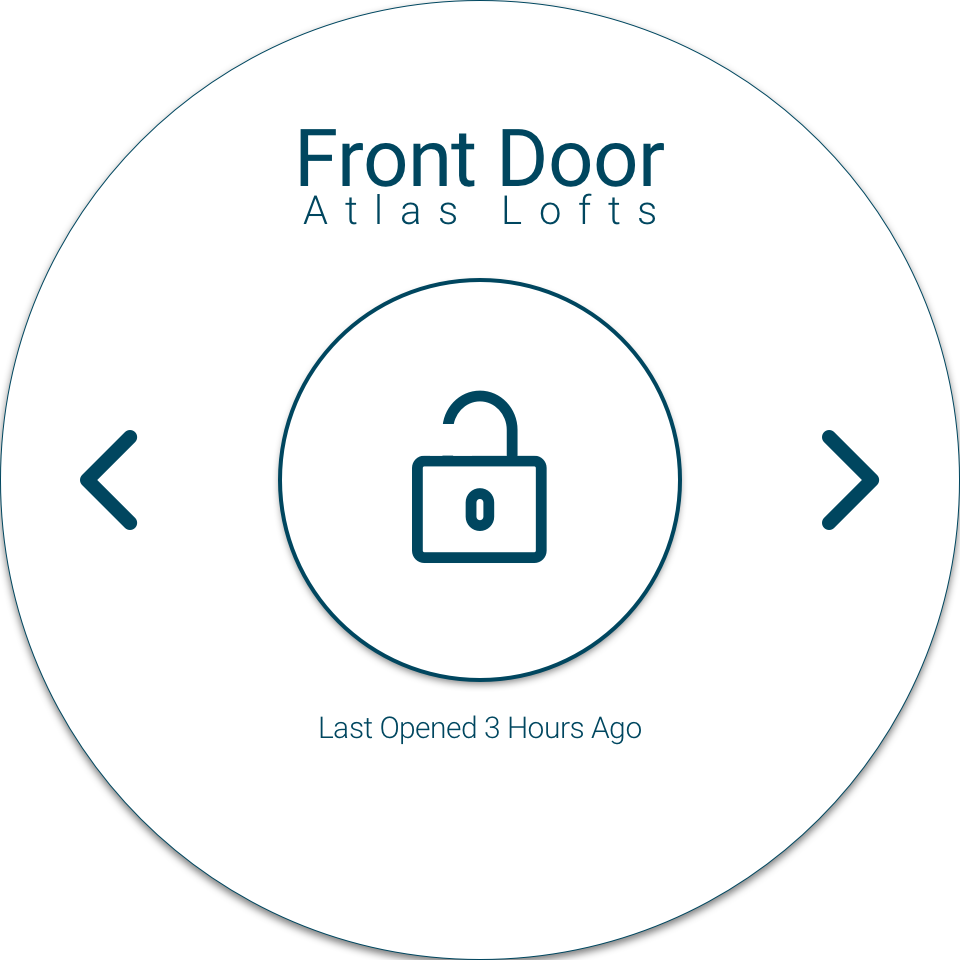
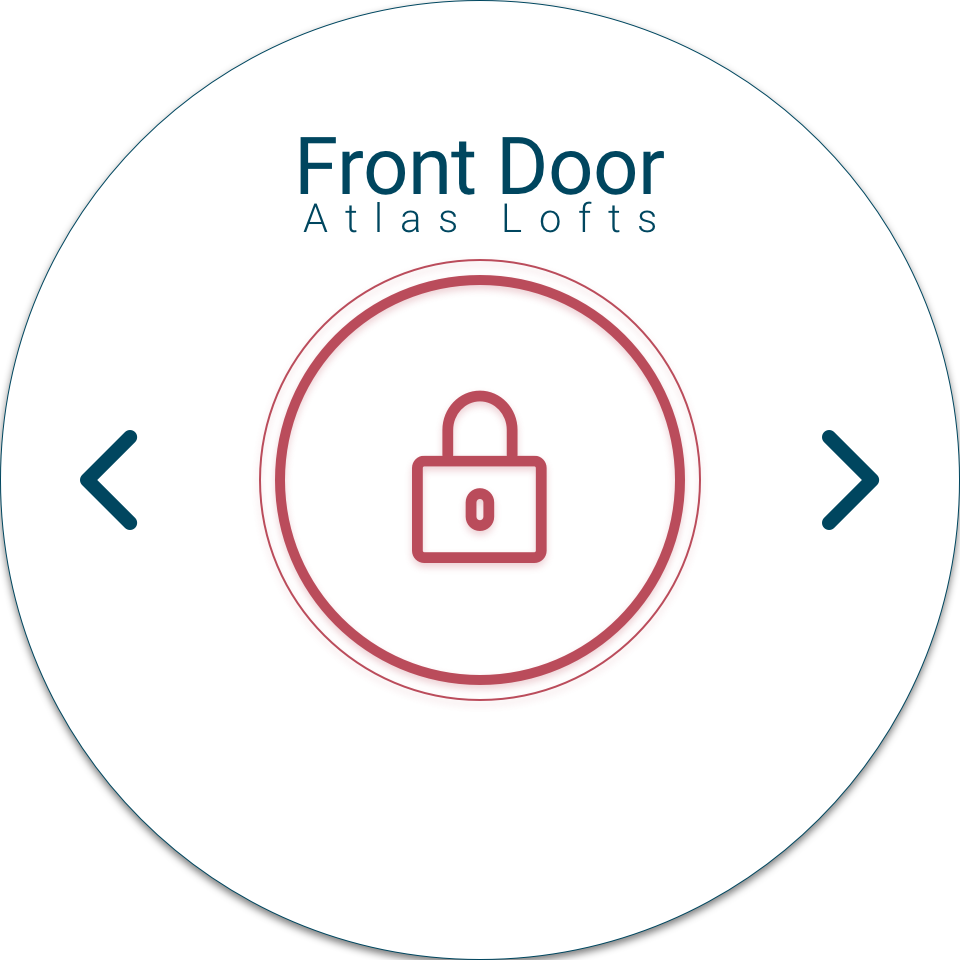
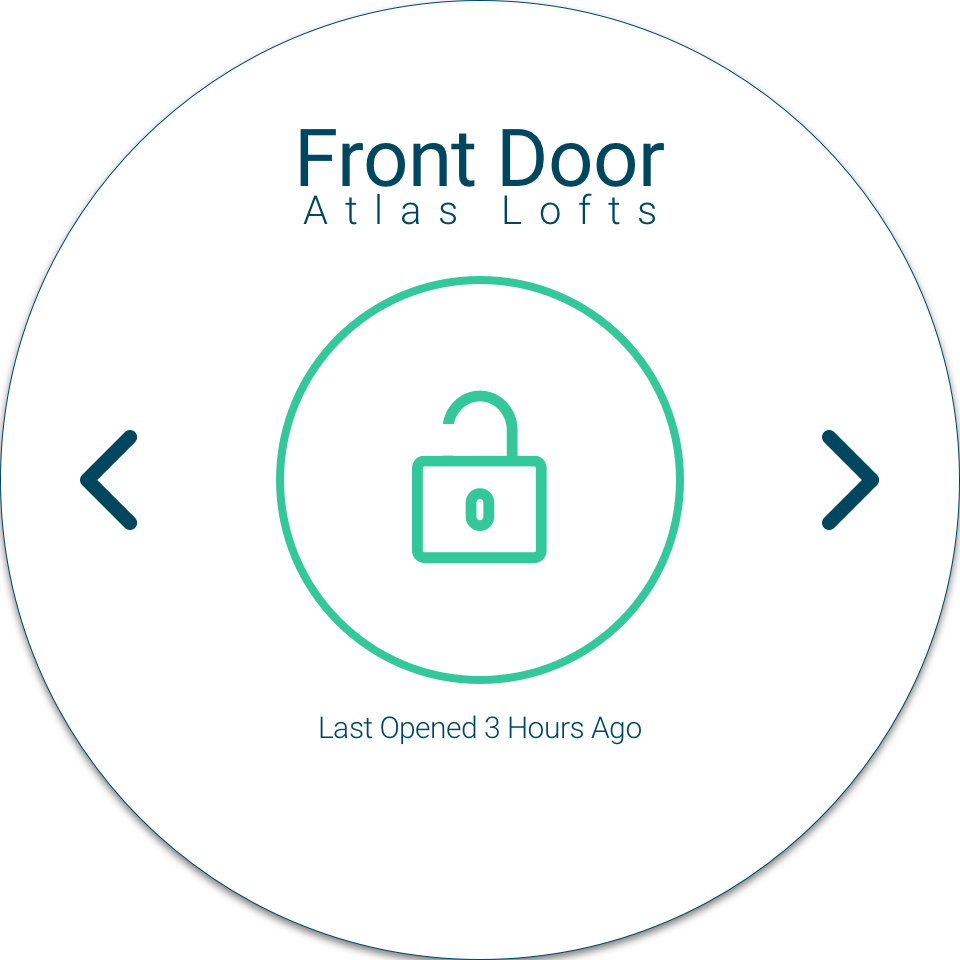
WearOS Light Mode
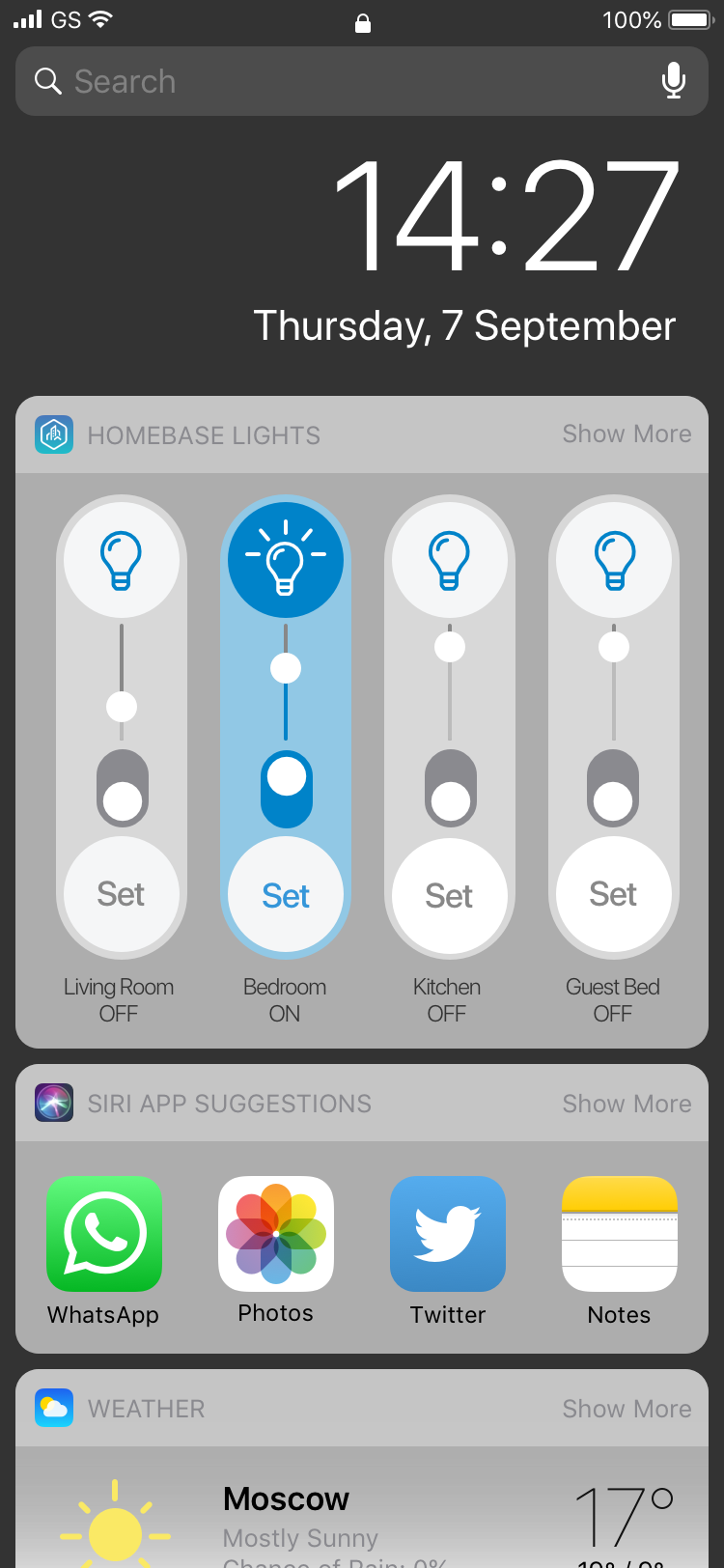
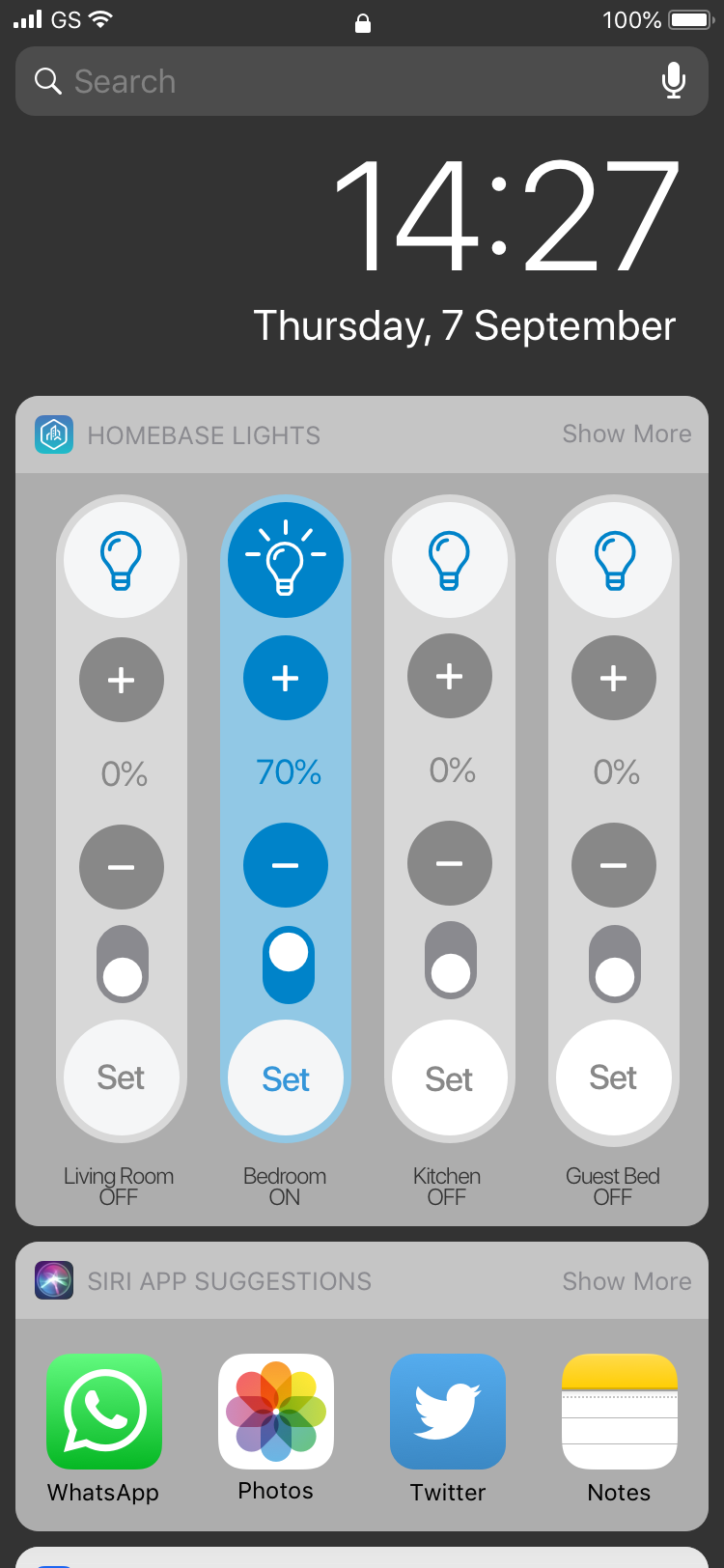
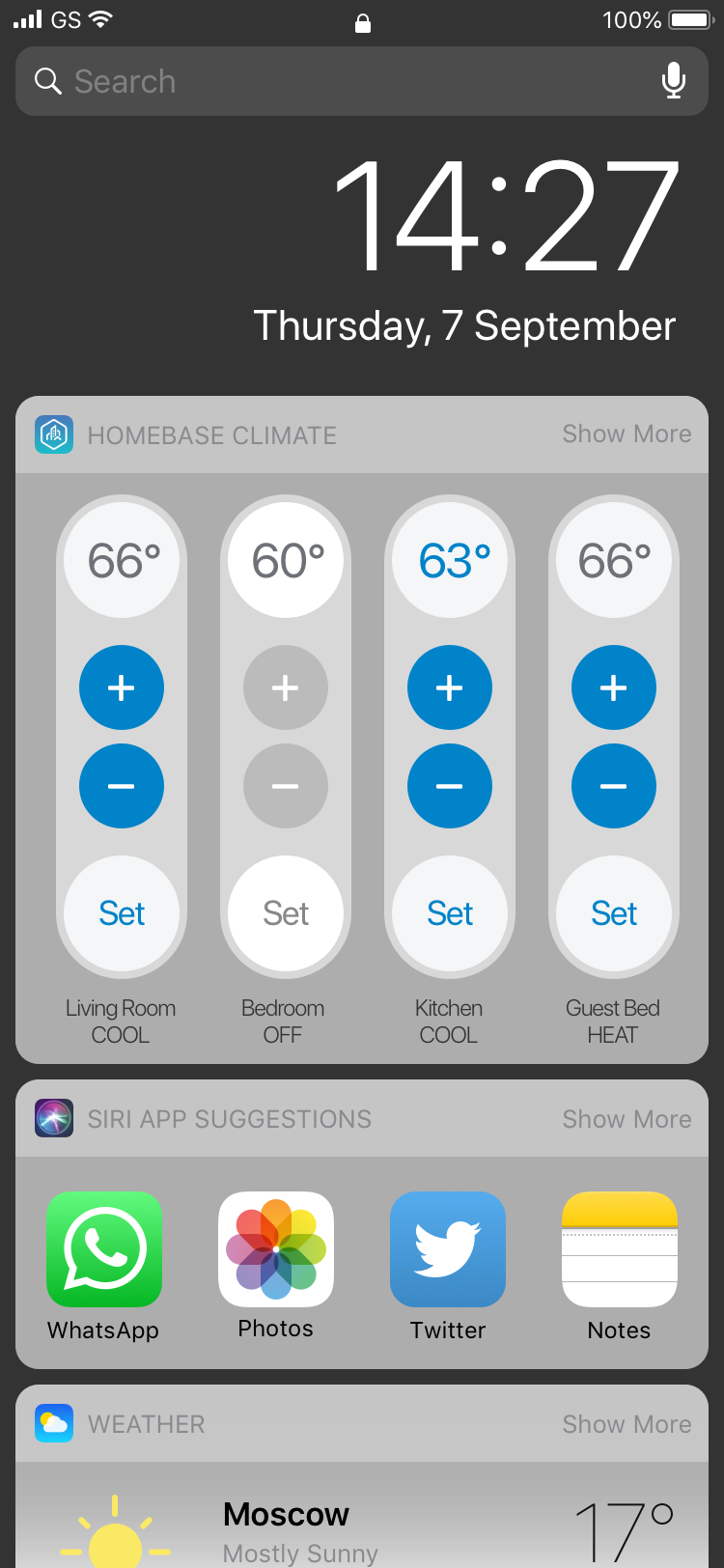
Homebase Widgets for iOS
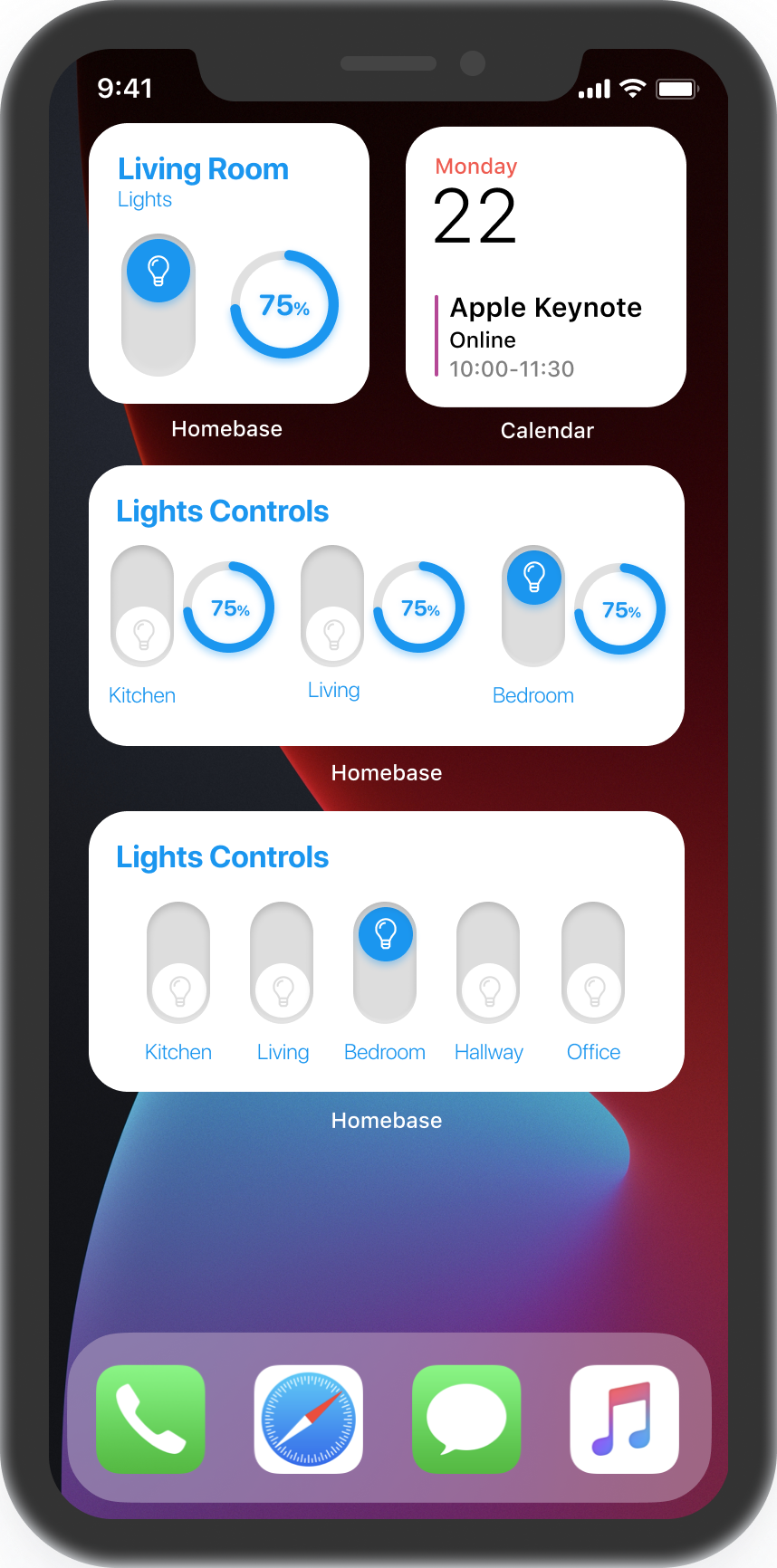
Updated iOS 14 (version 2) widgets above.
Version 1 below
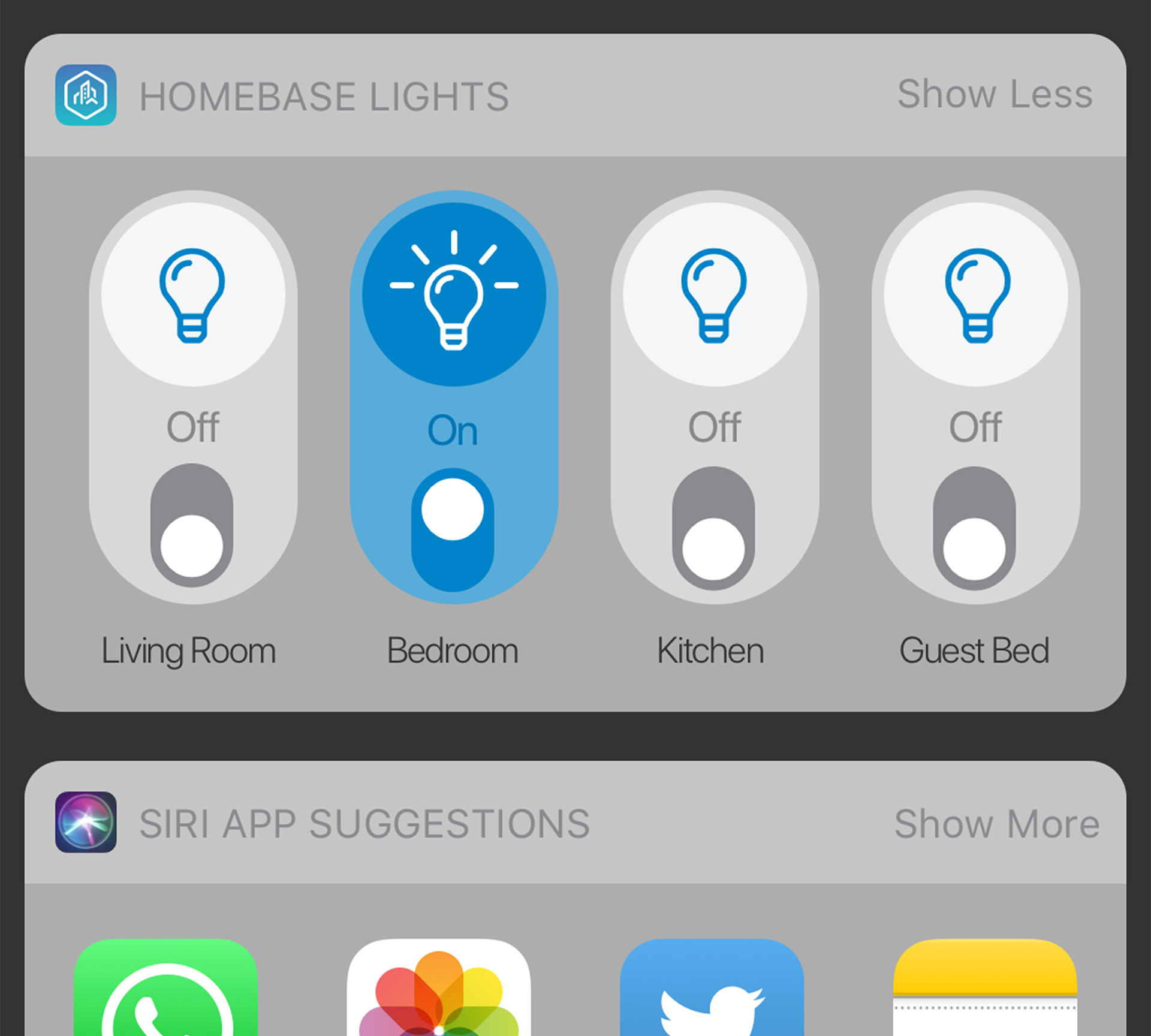
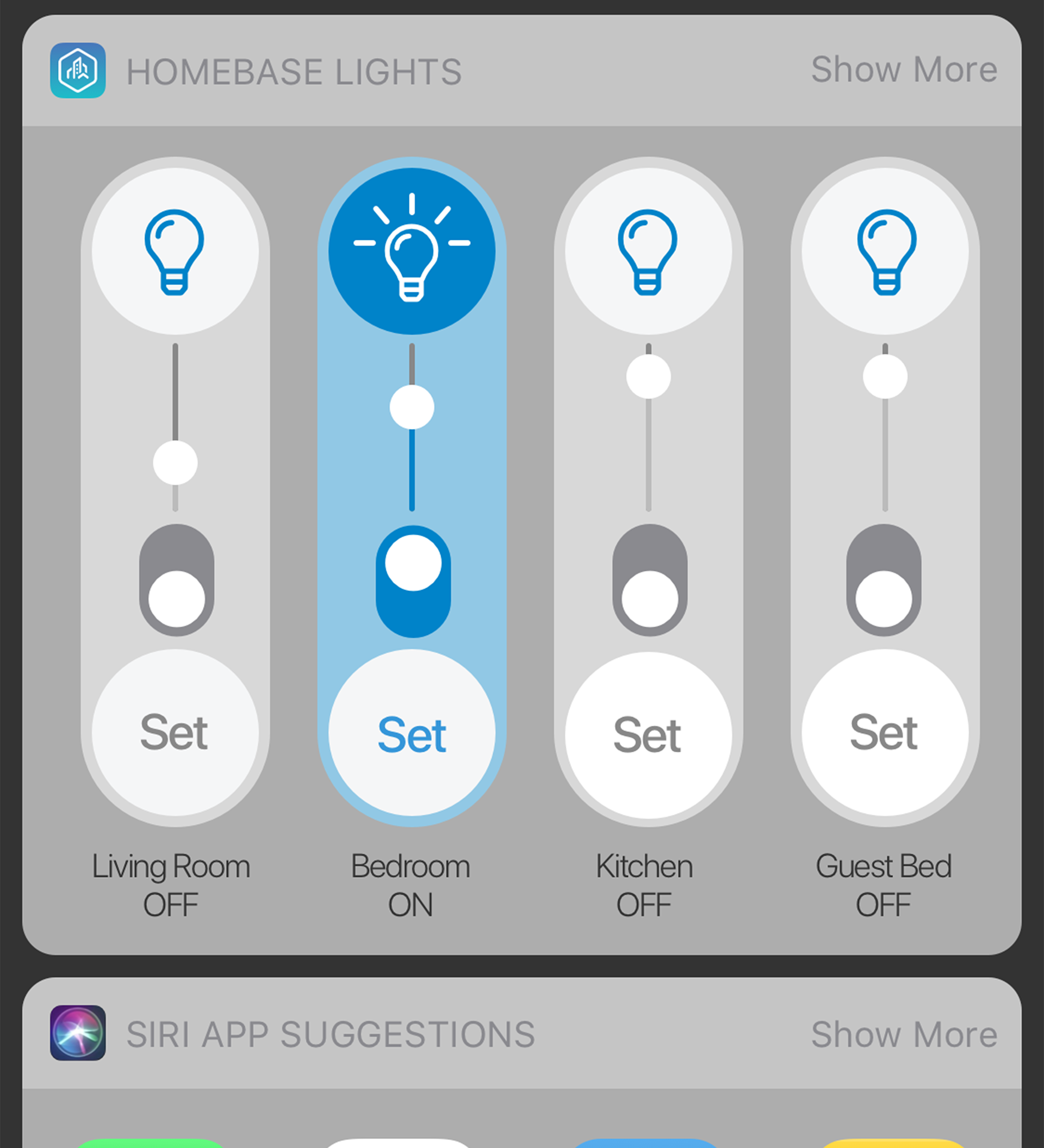
Goals of this project: Provide the user with the path of least resistance to access the controls and features that they use most within the app.
My Role: Collaborated with Head of Product to organize the visual design cohesive to the existing web and app visuals.
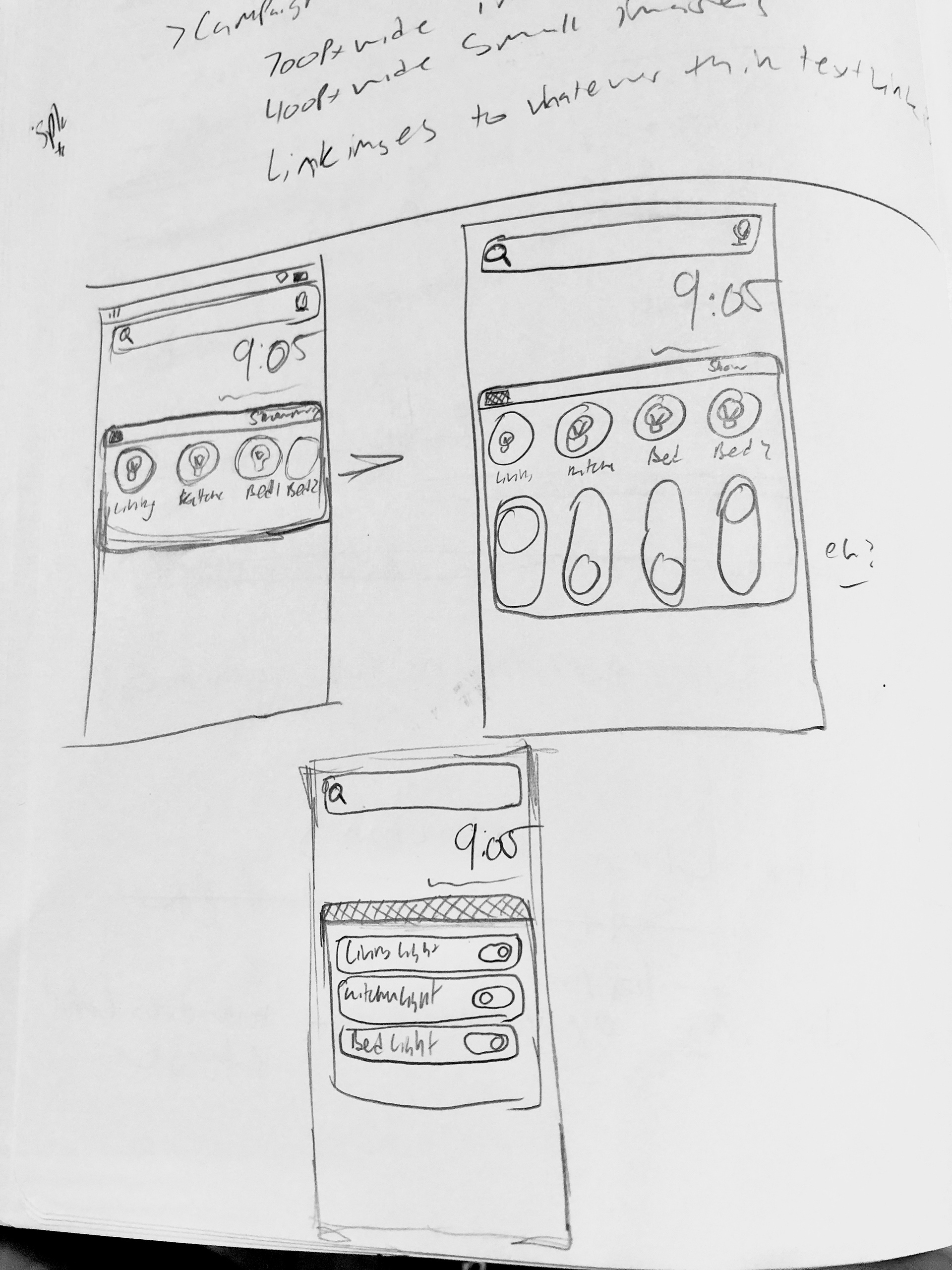
Research: Never having designed widgets before, it was important to understand all of the possible capabilities of the widgets as well as technical limitations.
Next, we wanted to keep the design cohesive with the existing iOS elements based on the standards put in place by Apple while also adding a little bit of the Homebase flair. Therefore, we decided to retain the system fonts and containers yet move in a direction that aligned more closely with Homebase as far as iconography and buttons/switches, etc.
Full Functionality:
The collection on the iOS side incorporates some typical style affectations Apple users are very familiar with but with a Homebase flair to set this widget apart from others. For example setting on and off states for buttons and sliders; something that is very uncommon in iOS Widgets.
Homebase Widgets for Android
Goals of this project: Provide the user with the path of least resistance to access the controls and features that they use most within the app.
My Role: Collaborated with Head of Product to organize the visual design cohesively to the existing web and app visuals.
Research: Never having designed widgets for Android before, it was important to understand all of the possible capabilities of the widgets as well as technical limitations.
Next, we wanted to keep the design within the Material Design styling that Google has developed due to how nicely it pairs with the majority of the Android elements.
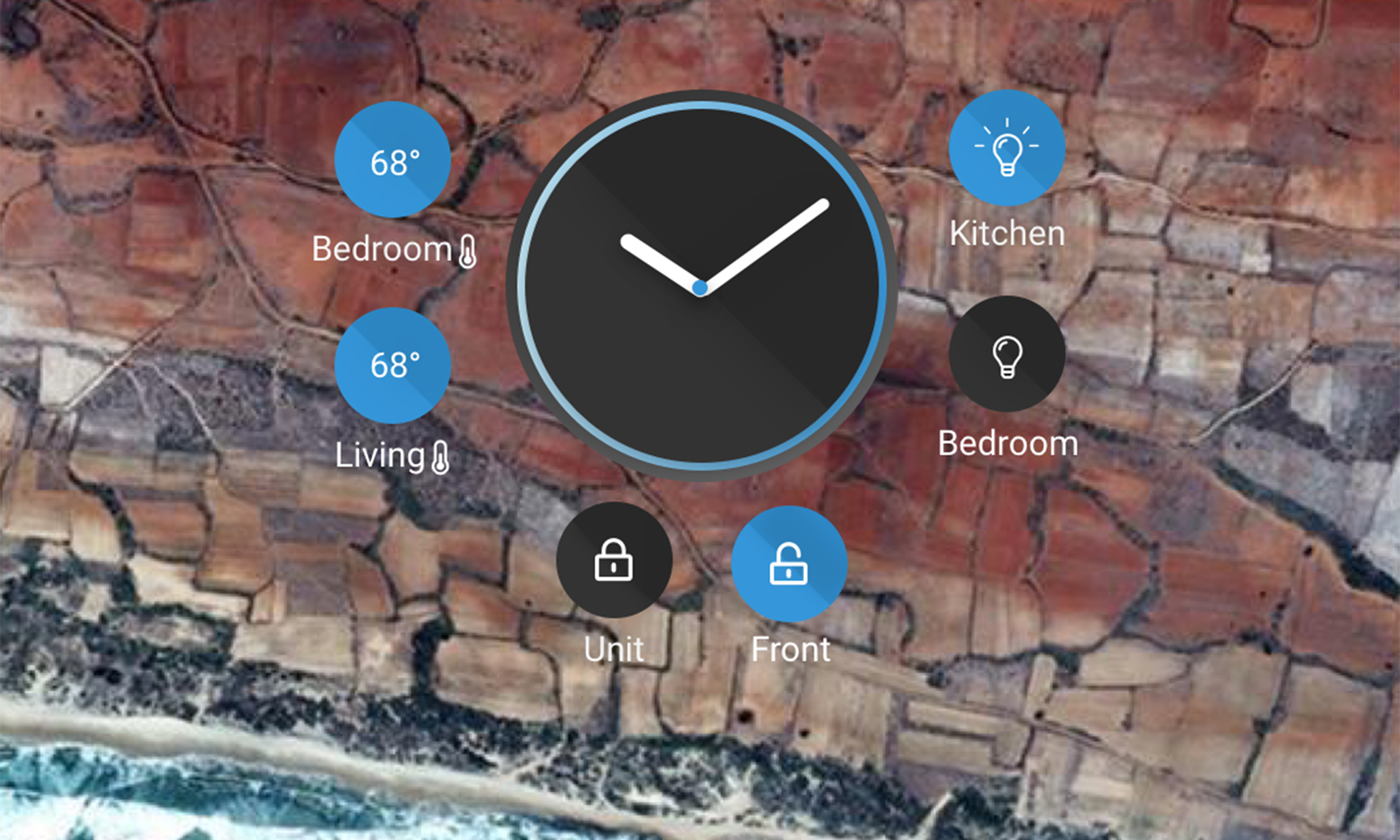
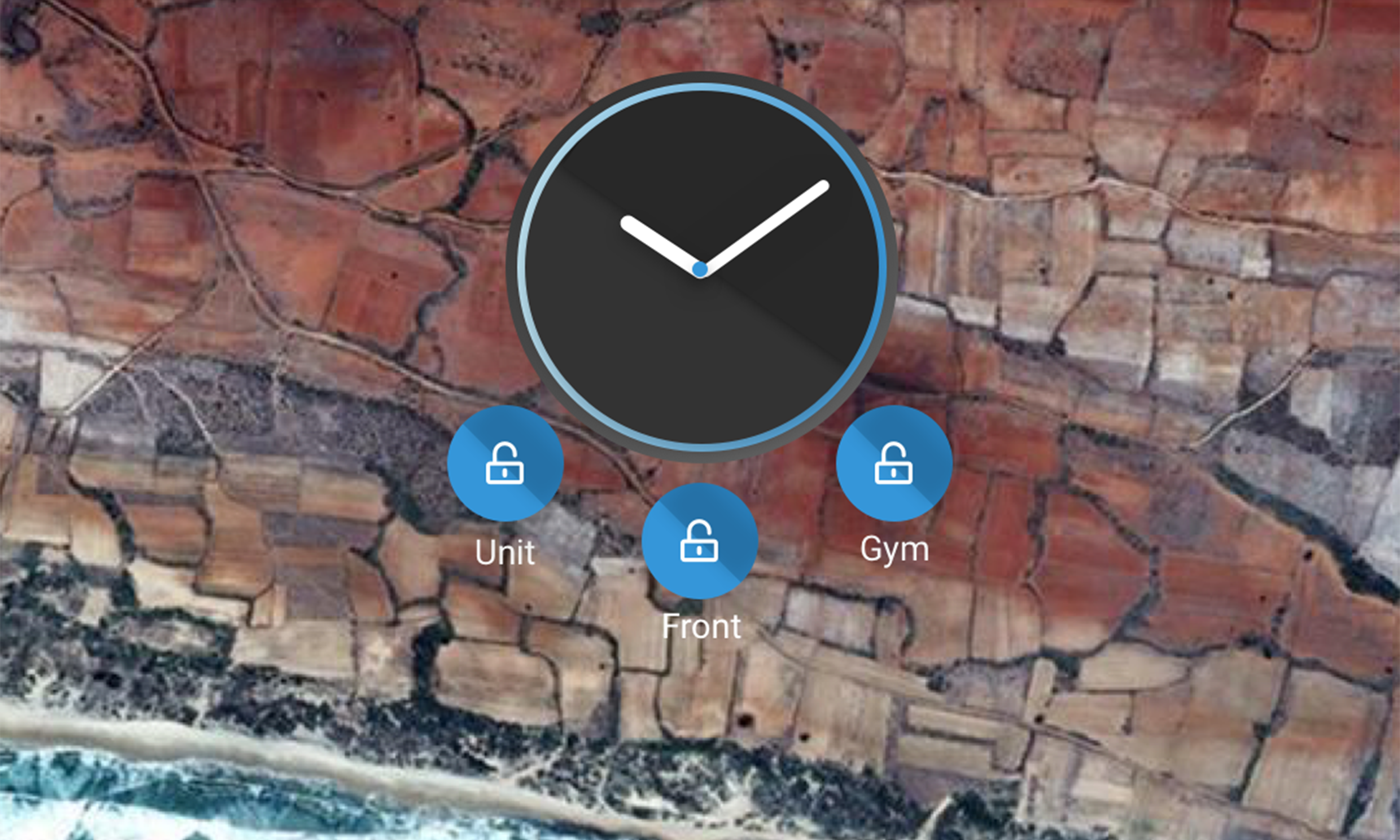
Full Functionality:
The collection of widgets vary in size from a full height widget that offers nearly complete access to controls, to a pared down single-height widget which offers up to four quick actions, all the way to a sleek, low resistance watchface that will allow the user to access a customizable amount of controls.